
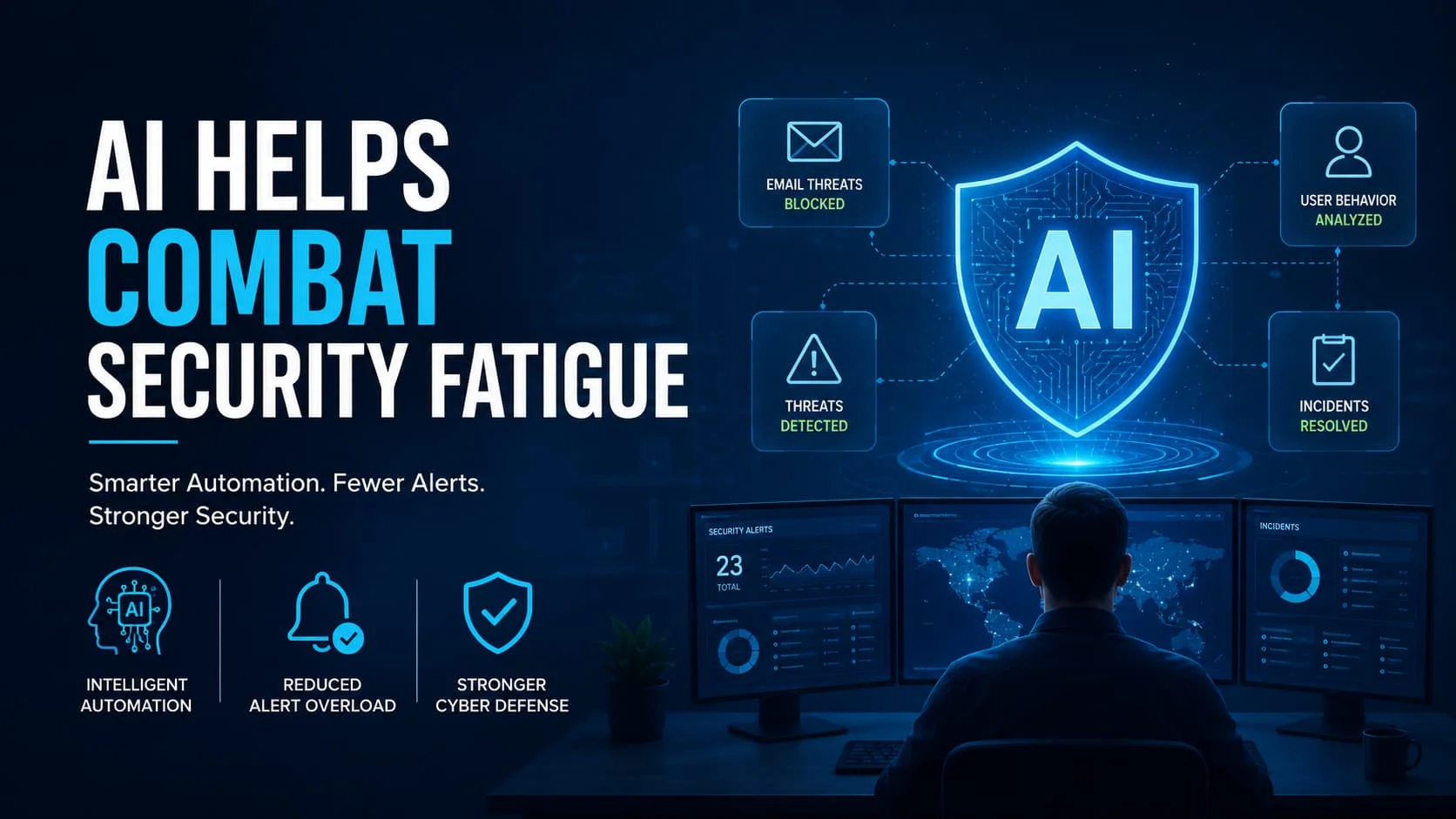
How AI Helps Combat Security Fatigue By Transforming the Way Teams Work?Security teams today are fighting on two fronts. The first is the actual threat landscape — ransomware, phishing, insider attacks, and zero-day vulnerabilities. The second, and far less discussed, is the mental exhaustion that comes from watching it all. This is where AI helps combat security fatigue by stepping in as a force multiplier not just a tool.
The number paint a stark picture. Security operations centers (SOCs) manage thousands of alerts every day and the weight of constant vigilance takes a real toll. Burnout oversight errors and slow incident response are no longer rare edge cases — they’re industry-wide patterns. Understanding how smart automation addresses this has now a strategic priority for every organization.
What has Security Fatigue and Why Does It Matter?
Security fatigue is the mental and emotional extreme that comes from sustained exposure to high-alert in high-stakes decision-making. It affects both IT professionals managing complex threat and everyday employees drowning in security policies and authentication demands.
When fatigue sets in people cut corners. They dismiss alerts they’d normally investigate. They reuse passwords they know are weak. They approve access requests without proper scrutiny. Each of these behaviors creates real, exploitable vulnerabilities — not from a technical flaw, but from human depletion.
The Hidden Cost of Alert Overload
Security analysts face a relentless flood of notifications. Research across the industry consistently shows that a significant portion of daily alerts go unreviewed — not because analysts are careless, but because there simply isn’t enough cognitive bandwidth to process everything.
When alert volume outpaces human capacity:
- Genuine threats get buried beneath piles of false positives
- Response times slow down, giving attackers more time to establish persistence
- Analyst turnover increases, as burnout drives skilled professionals out of the field
- Security culture weakens, as employees start viewing security rather than a shared responsibility
How AI Reduces the Cognitive Load on Security Teams
The most immediate way automation addresses fatigue is by handling the volume problem. Pattern recognition, log correlation, and initial triage — tasks that used to require hours of human attention, can now run continuously without a single analyst needing to intervene.
Smart filtering systems learn what is normal in an environment. They reduce unnecessary low-risk alert and highlight only important threats that need human attention. This help security analysts focus on what matters most.
AI Helps Combat Security Fatigue By Automating Repetitive Decisions
One of the clearest wins in modern cybersecurity is decision automation for routine, well-defined scenarios. When a known malware signature appears on an endpoint, a response playbook can trigger instantly, isolating the device, logging the incident and notifying the right team — without a human needing to make that call manually.
Making too many small decisions can cause mental fatigue over time. By letting automation handle routine decisions and security teams can focus their energy on serious threats that need human expertise.
Smarter Threat Detection With Behavioral Intelligence
Legacy security systems relied on static rules: block this IP and flag that file extension deny that login attempt. These rules are easy to bypass and generate enormous false positive rates, which is a primary driver of alert fatigue.
Modern behavioral analytics takes a different approach. Instead of matching known bad patterns, these systems build a baseline of normal activity — for users, devices, and network flows , and flag meaningful deviations. A user who logs in from their usual location at their usual time, then suddenly transfers gigabytes of data to an external service, triggers an alert. A new employee accessing files outside their job function raises a flag.
Continuous Observe Without Continuous Burnout
Human teams have natural limits. Attention drifts after long shifts. Nights and weekends create coverage gaps. Holidays are opportunities attackers exploit deliberately. Automated monitoring systems don’t have these constraints.
AI provides 24/7 threat monitoring and detecting suspicious activity at any time of day. It automatically collects and analyzes related information. Then either responds to the threat or alerts security analysts with the necessary details.
This allows analysts to focus on important decisions instead of handling every individual alert.
Personalized Security Experiences for End Users
Security fatigue doesn’t just affect IT professionals. Regular employees experience it too — through constant password reset prompts, multi-factor authentication friction, mandatory training that feels disconnected from their daily work, and security policies that seem designed to obstruct productivity.
Intelligent systems can adapt to individual user behavior. Adaptive authentication checks the risk of each login. Normal logins are allowed easily, while unusual logins require extra verification to keep accounts secure. The friction matches the risk, which makes security feel proportional rather than punishing.
Building a Stronger Security Culture Through Smarter Tools
When security tools work well — when they filter out the noise, surface the right alerts, and make response straightforward — teams develop more confidence in the process. Analysts spend less time managing tool sprawl and more time on meaningful investigations.
This shift in experience feeds back into culture. Teams that trust their tools have less likely to develop the dismissive cynicism that characterizes security fatigue. They engage more thoughtfully with the alerts they do receive. They have more willing to flag unusual behavior because they believe the system will handle it suitably.
Practical Steps for Organizations Ready to Act
Shifting from a reactive overworked security approach to a proactive one needs the right tools and strong commitment.Start by checking your alert system: See how many alerts come in each day, how many have actually reviewed and how many lead to action. That gap represents your fatigue exposure. Prioritize automation tools that directly target false positive reduction in those categories.
Then look at your authentication experience. Every unnecessary friction point in the employee login experience is a small tax on security culture. Adaptive, risk-based authentication reduces that tax without lowering your actual security threshold.
Finally, invest in training that explains the “why” behind security decisions. When people understand what they have protecting and why specific protocols exist, compliance becomes intentional rather than reflexive,and that has far more resilient under pressure.
Final Thoughts
Security is not getting easier, and managing it without support can be very exhausting for people. AI helps by reducing repetitive tasks, filtering unnecessary alerts, and improving security checks. This makes security operations easier and more sustainable for organizations. The goal isn’t to remove humans from the equation — it’s to make sure the humans in the equation are focused, effective, and supported.
FAQs
What is security fatigue in cybersecurity?
Security fatigue is the mental tiredness people feel when they have constantly dealing with security alerts, logins and rules. It has lead to mistakes and make systems less secure.
How does automation reduce alert fatigue for security teams?
Automation removes unnecessary alerts and only shows real problems. This helps security teams save time and focus on important issues.
Can AI improve the security experience for non-technical employees?
Yes. AI checks if a login is normal or not. Normal logins are easy, but risky ones need extra checks. This makes security easier for users.
What is the first step organizations should take to combat security fatigue?
Start by auditing your current alert pipeline — measure daily alert volume, review rates, and action rates. The gap between alerts received and alerts acted upon reveals where fatigue is highest. Targeting automation tools at that specific gap delivers the fastest reduction in analyst strain.


