
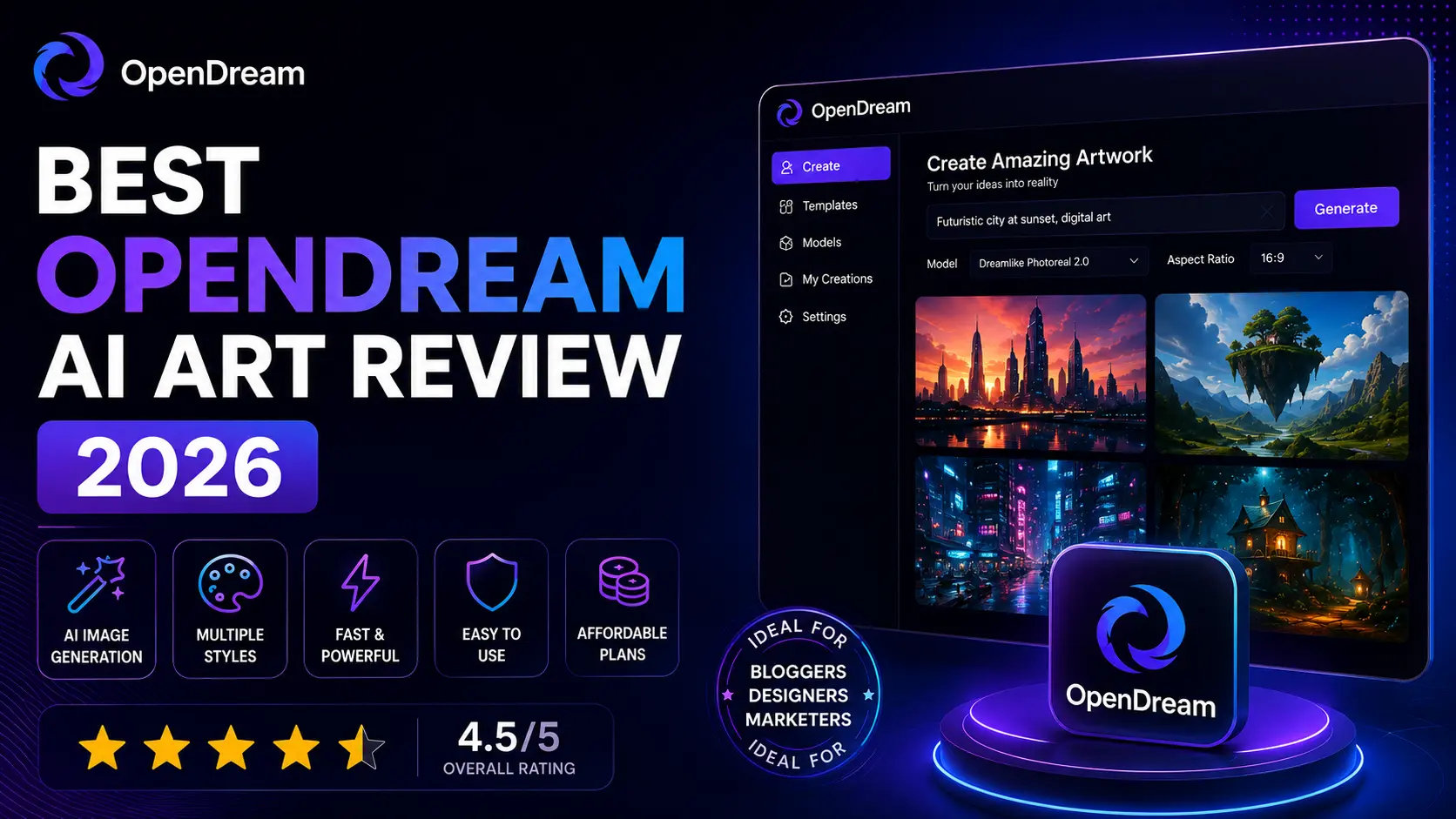
Do you want to know about OpenDream AI Art? I’ll be upfront about something: there are a lot of AI art generators out there right now, and most reviews of them read like they were copy-pasted from a spec sheet. This one won’t. I spent real time inside OpenDream AI Art, poked at its templates, ran the same prompt across all four of its models, and tried to figure out who this tool actually makes sense for, not just what its marketing page says.
Short version, if you don’t want to read the whole thing: OpenDream AI Art is a free, browser-based text-to-image generator built for people who don’t want to think too hard about the technology behind it. You type a sentence, it hands you a picture. Whether that’s enough for you depends entirely on what you’re trying to make.
What Exactly Is OpenDream AI Art?
OpenDream is a text-to-image platform that lives entirely in your browser. No downloads, no local GPU requirements, nothing to configure before you can start generating. You sign up, type a description — “a mystical forest at sunset with fireflies drifting between the trees,” for instance, and within seconds the platform hands back an image built around that description.
That accessibility is really the whole pitch. It works on Chrome, Safari, and most modern browsers without a hitch, which means anyone with a laptop or even a decent phone browser can use it. There’s no “you need a powerful graphics card” barrier like you’d hit trying to run Stable Diffusion locally.
The Tech Underneath (and Why It Matters to You)
Under the hood, OpenDream runs on diffusion models, the same family of AI architecture powering most of the big names in this space. Here’s the simple version of how it works: the model starts with a canvas of pure random noise, then refines that noise step by step until it resembles whatever your prompt described. It’s less “drawing” and more “sculpting an image out of static.”
You don’t need to understand the math to use OpenDream well, but knowing a few terms helps a lot:
- Prompt — your text description. Vague prompts get vague results; specific ones don’t.
- Iterations — how many refinement passes the model runs. More isn’t always better, but too few leaves images looking unfinished.
- Seed — the random starting point. Lock it in and you can keep a composition steady while tweaking style.
- Style settings — nudges the output toward photorealism, anime, watercolor, or whatever look you’re chasing.
Once that clicks, prompt-writing stops feeling like guesswork and starts feeling like a skill you’re actually building.
Bilkul. Agar keyword “OpenDream AI Art” hai, to aap is topic par ek complete step-by-step guide is structure mein likh sakte hain:
Step-by-Step Guide
1: Open OpenDream AI Art
2: Choose an AI Art Model
3: Write Your AI Art Prompt
4: Select the Image Ratio
5: Generate Your Image
6: Review the Generated Artwork
7: Improve the Prompt
8: Create Multiple Versions
9: Download Your Final Artwork
10: Optimize the Image for SEO
Tips for Better OpenDream AI Art Results
Be specific: Tell the AI exactly what you want.
Avoid unnecessary words: A clear prompt is usually better than a confusing paragraph.
Describe the composition: Mention whether you want a close-up, wide shot, centered subject or cinematic view.
Specify unwanted elements: If you don’t want people, faces, text or logos, mention that in the prompt.
Experiment: Don’t expect every prompt to produce the perfect image on the first attempt.
What OpenDream Actually Gives You
Four Models, Four Very Different Vibes
OpenDream ships with four distinct AI models, and honestly, the differences between them are more noticeable than I expected going in.
| Model | Style | Where It Shines |
| Dreamlike Photoreal 2.0 | Photorealistic | Portraits, landscapes, product shots |
| Dreamlike Anime 1.0 | Anime/manga | Characters, fan art, waifus |
| Stable Diffusion 2.1 | General-purpose | Versatile, works across most styles |
| Deliberate | Loosely restricted | Experimental, weirder concepts |
If you’re on the free plan, though, you’re limited to two of these — usually the photoreal and anime models. Want all four? That’s a paid-tier thing.
Templates That Actually Save Time
I’m not usually a fan of template libraries — they can feel like a crutch. But OpenDream’s collection is genuinely broad: angelic and ethereal art, vintage town scenes, cute anime critters, horror and spirit themes, hoodie mockups, logo concepts, children’s book illustrations, Disney-style 3D characters, even old Japanese character designs. If you’re staring at a blank prompt box with no idea where to start, this is where you go.
Beyond the general templates, there are three purpose-built generators worth knowing about:
- AI Anime Generator for original characters, heroes, and villains
- AI Girl Generator for virtual character concepts
- Logo & Icon Generator for quick brand assets
That anime specialization, in particular, is probably OpenDream’s strongest single feature. If you’re searching for an anime AI art generator specifically, this is one of the more capable free options.
Settings You Can Actually Understand
Aspect ratio, iteration count, some control over randomness — nothing groundbreaking, but enough to shape composition without needing a manual. Export happens in standard PNG or JPEG, with sizing presets already suited for web and social posts, so you’re not resizing images in a separate app afterward.
Getting From Sign-Up to Finished Image
It really is this simple:
- Create a free account — email only, no card details required.
- Browse templates if you want a starting point, or skip straight to a blank prompt.
- Write your description: subject, setting, mood, style.
- Pick whichever model fits the look you’re after.
- Hit generate and wait a handful of seconds.
- Not quite right? Tweak the wording, swap the seed, try again.
- Download and use it wherever it’s needed.
A few things I picked up along the way that made a real difference in output quality: front-load the important details, because the model seems to weight earlier words more heavily. Borrow language from photography — “35mm lens,” “golden hour,” “shallow depth of field” — since those terms map to recognizable patterns the model has actually learned. And don’t expect your first generation to be the final one. Treat it like a rough draft.
What Does It Cost?
Free, with no credit card needed to get started — which honestly puts OpenDream ahead of a lot of competitors that gate even basic access behind payment info. Free accounts get a daily credit allowance and two of the four models. Paid tiers unlock the rest, plus higher daily limits, which matters more once you’re producing content regularly rather than just experimenting.
Can You Actually Sell What You Make?
Yes ,OpenDream permits commercial use of anything you generate, as long as you’re following its usage guidelines. That’s not a small detail. It’s the difference between a toy and a tool you can build a freelance workflow or small-business brand around.
The Good and the Not-So-Good
What works:
- Genuinely free tier, no card required
- Low learning curve — you’re producing usable images within minutes
- Four models covering distinct styles
- A template library deep enough to solve “blank page” problems
- Commercial rights included
- Zero installation, works from any browser
- One of the better free options specifically for anime-style art
What doesn’t:
- Two of four models are locked behind payment
- No native mobile app — browser-only, even on phones
- Falls short of Midjourney-level polish for professional or print work
- New users may lean on templates more than they’d like to admit
- The soft, “painterly” default look isn’t great for anything needing sharp technical detail
Who’s This Actually Built For?
Based on how the platform is designed — heavy on templates, light on manual configuration — the ideal user is someone who wants results, not a rabbit hole to disappear into. That covers:
- People trying AI art generation for the very first time
- Anime fans making original characters or fan art
- Social media managers who need visuals on a deadline
- Small business owners needing a logo without hiring a designer
- Bloggers who need header images without stock-photo licensing headaches
- Hobbyist game developers sketching early concept art
- Marketing teams that need a batch of on-brand visuals fast
If you’re a professional illustrator who wants pixel-level control, or you’re doing architectural visualization that demands crisp lines, you’ll bump into OpenDream’s ceiling pretty quickly. It’s a brush, not a ruler — it wasn’t built for that kind of precision.
OpenDream vs. the Competition

The most useful comparison isn’t against the biggest names — it’s against Fiddl.art, which occupies almost the opposite end of the spectrum. Fiddl is built for people who want to swap models, fiddle with granular settings, and lean on a strong community of shared configurations. OpenDream strips nearly all of that away in exchange for speed and consistency. Think of it as the difference between a manual and an automatic transmission: one gives you more control, the other just gets you where you’re going with less effort.
| Tool | Best For | Pricing | What Sets It Apart |
| OpenDream AI Art | Beginners, anime art, fast turnaround | Free + paid | Templates and simplicity |
| Midjourney | High-end artistic output | Subscription | Best-in-class visual polish |
| DALL-E 3 | ChatGPT-based workflows | Credit-based | Tight OpenAI integration |
| Stable Diffusion | Total customization | Free/self-hosted | Open-source, run it yourself |
| Fiddl.art | Power users who like tinkering | Varies | Deep model control, active community |
| Leonardo AI | Game assets, illustration | Freemium | Built with game devs in mind |
| Adobe Firefly | Creative Cloud users | Subscription | Fits directly into existing Adobe work |
None of these tools is objectively “better” across the board — it genuinely comes down to whether you want a brush or a set of precision instruments.
Bottom Line
OpenDream AI Art isn’t trying to out-muscle Midjourney or out-tinker Fiddl.art, and it doesn’t need to. It’s solving a much simpler problem: getting people from “I have an idea” to “I have an image” as quickly and painlessly as possible, without a subscription wall in the way. For beginners, anime fans, and anyone who needs decent visuals on a deadline, it earns its spot. If you’re chasing gallery-level precision or need granular technical control, you’ll eventually want to graduate to something heavier, but as a starting point, or even a permanent home for lighter creative work, OpenDream holds up well in 2026.
FAQs
Does OpenDream cost anything?
No, not to start. The free tier requires no credit card and includes daily generation credits plus two of the four AI models. Paid plans exist for people who need more volume or the full model set.
Am I allowed to sell images made on OpenDream?
Yes, commercial use is permitted under the platform’s terms, which makes it viable for freelance work and small business branding, not just personal projects.
Is it good specifically for anime art?
It’s one of its clear strengths. Between the dedicated anime model and the specialized anime character generator, it’s genuinely competitive with tools built solely around that niche.
How does it stack up against Midjourney?
Midjourney generally produces sharper, more professional-grade results, but it requires payment from day one. OpenDream trades some of that polish for a real, usable free tier — a better on-ramp if you’re just starting out.
Is there a mobile app?
Not currently. It’s browser-based across desktop and mobile, but there’s no dedicated app in either app store.
What AI actually powers it?
Diffusion models — the same core technology behind most modern AI art tools — wrapped in a simplified, template-first interface designed for people without a technical background.


