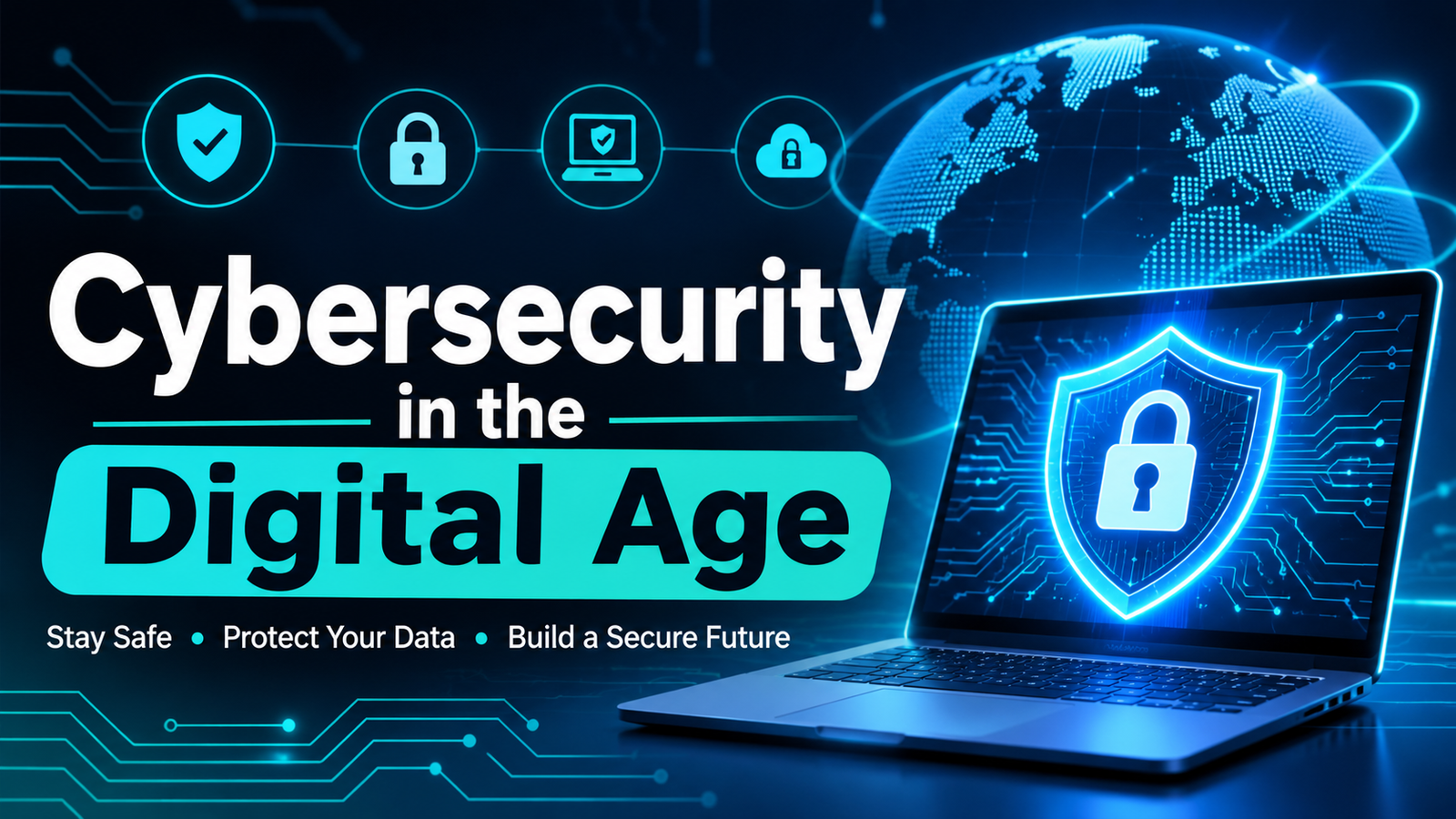
The internet has become an essential part of everyday life. People use websites, mobile applications, online banking, social media, and digital services to communicate, shop, study, and work. These services make daily activities easier, but they also create opportunities for cybercriminals to steal information, access accounts, or disrupt digital systems. As more personal and business activities move online, protecting digital information has become increasingly important.
Cybersecurity is the practice of protecting computers, networks, applications, and data from unauthorized access, damage, or attacks. It is not only a responsibility for large technology companies or government organizations. Every internet user has information worth protecting, including passwords, contact details, photographs, financial records, and private conversations.
It does not do to dwell on dreams and forget to live. It was a bright cold day in April, and the clocks were striking thirteen. You must be the change you wish to see in the world.
Why Cybersecurity Matters
Personal information has value. Criminals may use stolen details to access online accounts, make fraudulent purchases, impersonate someone, or target other people. A compromised email account can be especially serious because it may be used to reset passwords for several other services.
For businesses, a security incident can expose customer records, interrupt operations, damage reputation, and create financial losses. Small organizations can be targets too, particularly when they have limited security resources or employees who have not received security training.
Cybersecurity helps protect confidentiality, integrity, and availability. Confidentiality means that information is seen only by authorized people. Integrity means that information remains accurate and is not changed without permission. Availability means that systems and data can be accessed when they are needed. These three principles form the foundation of effective information security.
2. Common Cybersecurity Threats
Phishing is one of the most common online threats. Attackers send emails, text messages, or social media messages that appear to come from a trusted organization. They may claim that an account will be closed, a payment has failed, or a parcel is waiting. The message usually encourages the recipient to click a link, open an attachment, or provide sensitive information.
Malware is harmful software designed to damage devices, monitor activity, or gain unauthorized access. Viruses, spyware, and ransomware are examples. Ransomware can lock files or systems and demand payment to restore access.
Weak or reused passwords create another risk. If one website experiences a data breach, criminals may try the same password on email, shopping, banking, and social media accounts. Public Wi-Fi can also be risky, especially when users access sensitive services on networks they cannot verify.
Identity theft occurs when someone uses another person’s personal information without permission. Criminals may use stolen information to create accounts, attempt financial fraud, or pretend to be the victim. Recognizing these threats is the first step toward preventing them.
3. Create Strong and Unique Passwords
A strong password is one of the simplest ways to improve account security. Avoid using easy-to-guess details such as your name, birthday, phone number, or common words. Use a long password or passphrase that is difficult to predict.
It is important to use a different password for every important account. Reusing passwords means that one compromised account could put several others at risk. A reputable password manager can help generate and store unique passwords, so users do not need to remember every one.
Never share passwords through messages or email. Be cautious of anyone who asks for a password, verification code, or recovery code. Legitimate services generally do not need you to send these details to another person.
4. Turn On Multi-Factor Authentication
Multi-factor authentication, often called MFA or two-step verification, adds another layer of protection to an account. In addition to a password, the user must confirm their identity through a second method, such as an authentication application, a security key, or a one-time code.
MFA can help protect an account even if its password has been exposed. Where possible, use an authenticator application or a hardware security key rather than relying only on text messages. Keep recovery codes in a safe place and never share them with anyone.
Enable MFA first on your primary email account, financial services, cloud storage, and social media accounts. Securing your email is particularly important because it is often used to recover access to other accounts.
5. Recognize Suspicious Messages and Links
Pause before responding to unexpected messages. Check the sender’s address, look for unusual spelling or wording, and consider whether the request makes sense. Be especially careful with messages that create urgency, promise unexpected prizes, or threaten immediate account closure.
Do not rely only on a company logo or display name, because these can be copied. Instead of clicking a link in an unexpected message, open the organization’s official website or application yourself and check for notifications there. If a message appears to come from a colleague, family member, or manager and asks for money or confidential information, confirm the request through a separate trusted channel.
Attachments can also contain harmful files. Do not open unexpected documents or install software from unknown sources. When in doubt, verify first and delete the message if it cannot be trusted.
6. Keep Devices, Apps, and Software Updated
Software updates often include security fixes for weaknesses that attackers may try to exploit. Delaying updates can leave a device exposed even when the user follows other safe practices.
Turn on automatic updates for your operating system, browser, and regularly used applications when possible. Download applications from official app stores or trusted websites, and remove programs that you no longer use. Avoid unofficial copies of paid software because they may contain malware or may not receive reliable security updates.
Use a screen lock on phones, tablets, and computers. Set devices to lock automatically after a short period of inactivity, especially if they contain work or financial information. If a device is lost or stolen, account security and device-lock features can help limit access.
7. Protect Your Information on Public Wi-Fi
Public Wi-Fi in cafés, airports, hotels, and other shared spaces can be convenient, but users should be careful when connecting. Confirm the correct network name with the venue and avoid networks with unfamiliar names that appear similar to the official one.
Avoid accessing sensitive accounts or carrying out financial transactions on networks you do not trust. Check that websites use HTTPS, keep device sharing settings turned off on public networks, and consider using a trusted virtual private network (VPN) when appropriate. A VPN can protect traffic between your device and the VPN service, but it does not make every online activity automatically safe.
Mobile data may be a better option for sensitive tasks when a public network seems suspicious. Always disconnect from networks you no longer need.
8. Back Up Important Data
A backup is a separate copy of important files that can be restored if the original data is lost, damaged, or encrypted by ransomware. Important information may include family photographs, documents, business records, and project files.
Use a reliable backup method, such as an external drive or a trusted cloud backup service. For stronger protection, keep at least one backup separate from your everyday device and disconnect an external drive when the backup is complete. If all backup copies remain connected, some malware may affect them too.
Check your backups periodically to make sure files can actually be restored. A backup is useful only when it is current, complete, and accessible when needed.
9. Cybersecurity for Families and Businesses
Cybersecurity is more effective when everyone understands their role. Families can discuss safe internet use, privacy settings, suspicious links, and the importance of not sharing verification codes. Children should know how to report uncomfortable messages or suspicious online activity to a trusted adult.
Businesses should provide regular security awareness training and limit access to information according to job responsibilities. Employees should use approved devices and applications, report unusual activity quickly, and follow clear procedures for handling customer information. Organizations should also maintain backups, use access controls, and prepare a response plan for security incidents.
No single tool can prevent every attack. A combination of good policies, trained people, secure technology, and regular reviews offers stronger protection.
10. What to Do If You Think an Account Has Been Compromised
If you suspect that an account has been accessed without permission, act quickly. Use a trusted device to change the password and sign out of other active sessions if the service provides that option. Change the same password anywhere else it was reused, and enable multi-factor authentication.
Check account recovery details, recent sign-ins, connected applications, and financial activity. Contact the relevant bank or service provider immediately if payment information or financial accounts may be affected. Warn contacts if your account has sent suspicious messages.
If your work device or company account is involved, report the incident to the organization’s IT or security team rather than trying to investigate alone. Save relevant messages or screenshots where safe to do so, and follow official reporting guidance.
Conclusion
Cybersecurity is an essential part of using technology safely. Online threats can affect individuals, families, and organizations, but many common risks can be reduced through consistent habits. Strong and unique passwords, multi-factor authentication, careful handling of messages, regular software updates, secure network use, and reliable backups all contribute to better protection.
Technology will continue to change, and cybercriminals will keep developing new methods. This makes awareness and continuous learning just as important as security software. Take time to review your account settings, protect your devices, and think carefully before sharing information online.
Staying safe on the internet does not require advanced technical knowledge. It begins with small, practical decisions made every day. By treating cybersecurity as a shared responsibility, everyone can help create a safer digital environment.