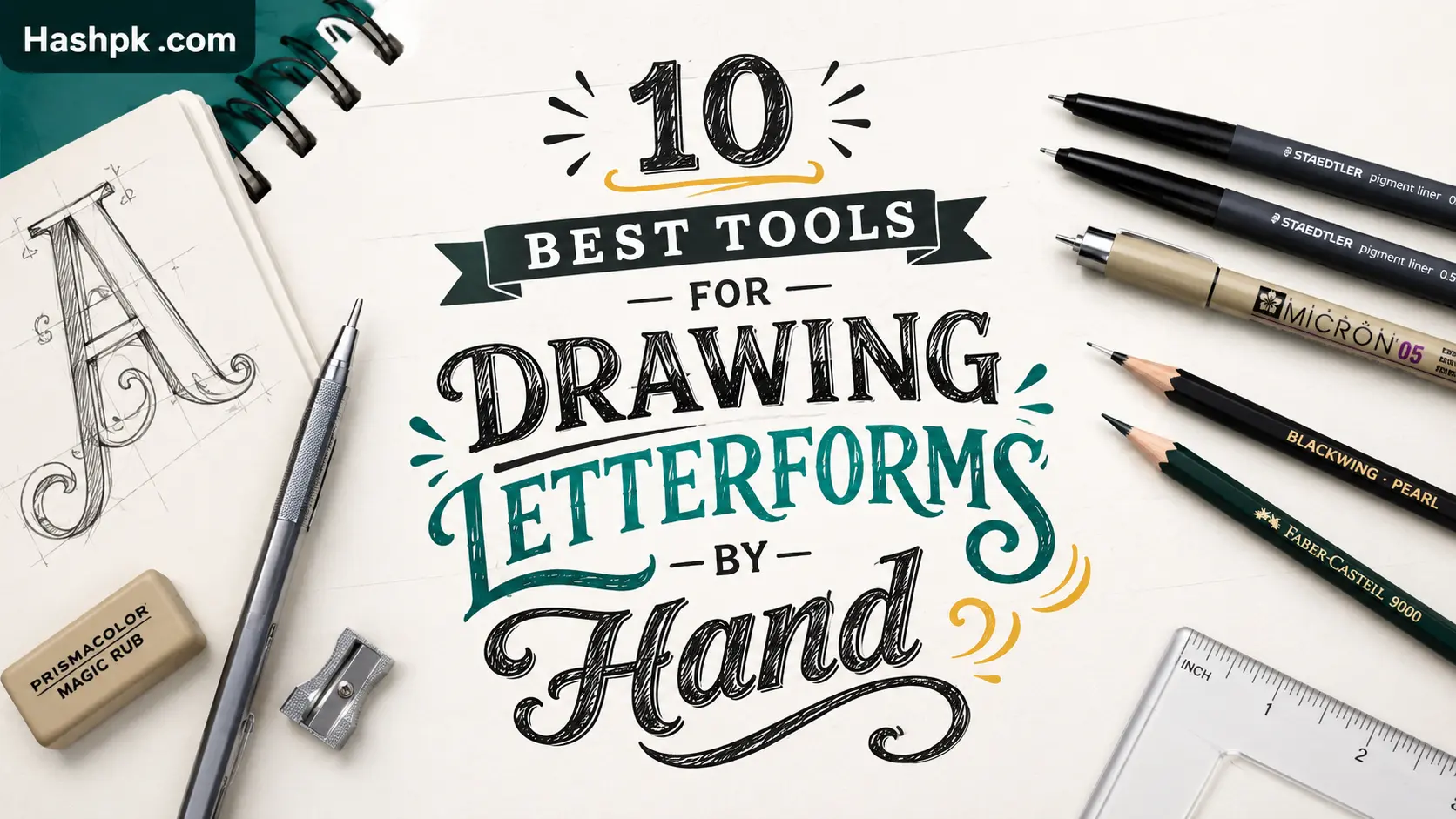
Do you want to know about 10 Best Tools for Drawing Letterforms by Hand? Ask ten lettering artists what tool they swear by and you’ll get ten different answers. Half of them will contradict each other. That’s honestly part of the fun of this craft — there’s no single “right” pen, just the one that fits your hand.
I still remember buying a $30 calligraphy set as my first purchase, years back, before I’d ever drawn a single letter with intention. It sat in a drawer for about eight months. A cheap pencil taught me more in a weekend than that set did the entire time I owned it.
This guide covers the best tools for drawing letterforms by hand in 2026: pencils, brush pens, fineliners, free apps, and the paid software actually worth paying for. Most of what’s below I tested myself, over a few months, on different papers, before writing a single word of this.
New to lettering? Skip the fancy calligraphy sets for now. Seriously. Start cheap, figure out what you like, upgrade later once you know what you’re upgrading for.
Top Picks at a Glance
Short on time?
- Best overall pencil: Faber-Castell 9000 (HB or 2B)
- Best brush pen for beginners: Tombow Fudenosuke
- Best free digital app: Krita
- Best paid app: Procreate on iPad, or Clip Studio Paint if you’re desktop-based
- Best cheap starter kit: any dual-tip marker set that throws in two pencils and an eraser
- Best thing to buy before a dip pen: nothing. Just use a pencil first.
More reasoning below, plus a comparison table.
Why People Still Draw Letters by Hand in 2026
AI can spit out a font in ten seconds. What it can’t do is fake the slight wobble, the pressure shift mid-stroke, the tiny imperfections that make a letter look like a person actually made it.
Maybe that’s why hand lettering hasn’t slowed down, even with AI tools flooding every corner of design work this year. If anything it’s become more of a selling point. Brands want that “a human drew this” feel precisely because it’s gotten rarer.
Sign painters. Tattoo artists. Wedding stationers. Packaging designers. They’re all pulling from roughly the same toolkit covered here. This isn’t some niche Pinterest hobby anymore — it shows up in a surprising amount of paid creative work.
How This List Actually Got Made
I’m not going to pretend this came from scrolling Amazon reviews for an afternoon. Every pencil and pen below got real practice time, across a few sketchbooks, on smooth paper, textured paper, grid paper — the works.
Pricing reflects mid-2026 listings. Any software mentioned was tested on its current stable build, not some three-year-old version that’s already been replaced twice over.
A lot of “best tools” roundups online are just old posts with the date swapped out. This isn’t one of those, though you’ll have to take my word for that.
10 Best Tools for Drawing Letterforms by Hand Table
# |
Tool |
Type |
Best For |
Price (2026) |
1 |
Faber-Castell 9000 (HB/2B) |
Pencil |
Sketching & initial letter layouts |
$1–3 |
2 |
Staedtler Mars Lumograph |
Pencil |
Even, consistent guideline work |
$2–4 |
3 |
Blackwing 602 |
Pencil |
Darker sketch lines, softer lead |
$4–6 |
4 |
Tombow Fudenosuke |
Firm brush pen |
Beginners learning brush strokes |
$4–6 |
5 |
Pentel Fude Touch Sign Pen |
Soft brush tip |
Bold, expressive lettering |
$5–7 |
6 |
Micron Pigma Pens (01/05/08) |
Fineliner |
Clean outlines, fine detail |
$3–5 each |
7 |
Copic Multiliner |
Fineliner |
Precise, controlled line weight |
$5–8 |
8 |
Speedball Dip Pen Set |
Pointed/broad nib |
Traditional pointed-pen calligraphy |
$15–25 |
9 |
Krita |
Free digital app |
Free digital lettering, pressure brushes |
Free |
10 |
Procreate (iPad) |
Paid digital app |
Natural brush feel, easy exporting |
~$13 (one-time) |
Best Tools for Drawing Letterforms by Hand and Pencil
Every letterer, digital or not, starts the same place: pencil first, ink second. Before Procreate, before brush pens existed for most of us, it was graphite and paper. That hasn’t really changed.
Why the Pencil Still Wins
Pencil forgives you. Ink doesn’t. That’s the whole reason almost every working letterer sketches a rough layout before committing to anything permanent.
A few that hold up well for sketching and refining letterforms:
- Faber-Castell 9000 (HB or 2B) — smooth, erases clean, zero drama
- Staedtler Mars Lumograph — even line weight, solid for guideline work
- Blackwing 602 — softer lead; a favorite for anyone who likes a darker sketch line
- 0.5mm mechanical pencil, HB lead — good for tight guideline grids and quick mockups
Grab a kneaded eraser to go with whichever pencil you pick. It lifts graphite cleanly instead of tearing thin paper, which matters once you’re erasing pencil guides under a finished ink layer.
Dot-grid paper is worth picking up early too, mostly because it saves you from reaching for a ruler every five minutes. Some purists will tell you grids are a crutch and you should train your eye without them — I get the argument, but honestly, most beginners quit out of frustration before their eye ever gets that good. Use the grid. Ditch it later.
Paper Matters More Than Most Guides Admit
This part gets skipped constantly, but paper changes how every single tool on this list performs.
Cheap printer paper frays under repeated erasing — ruins a pencil layout before ink even shows up. Anything around 90 to 120 gsm holds up better, no contest.
Brush pens are picky about surface too. Smooth or coated paper lets the tip glide. Rough sketch paper will fray a good brush tip faster than most people expect, and once a tip frays, it’s basically done.
Practicing daily? A proper lettering pad pays for itself pretty fast in pens you don’t have to replace.
Best Pens for Finishing Hand-Lettered Work
Pencil layout’s done. Now it’s pen or brush for the final pass.
| Tool | Type | Best For | Price (2026) |
| Tombow Fudenosuke | Firm brush pen | Beginners learning brush strokes | $4–6 |
| Pentel Fude Touch Sign Pen | Soft brush tip | Bold, expressive lettering | $5–7 |
| Micron Pigma pens (01, 05, 08) | Fineliner | Clean outlines, fine detail | $3–5 each |
| STAEDTLER Design Journey brush pen | Double-ended brush | Beginners, watercolor blending | $8–12 |
| Copic Multiliner | Fineliner | Precise, controlled line weight | $5–8 |
| Speedball dip pen set | Pointed/broad nib | Traditional pointed-pen calligraphy | $15–25 |
Brush pens get you expressive results fast, without the mess of ink bottles and dip pens. Most people learning tools for drawing letterforms by hand are better off starting here instead of jumping straight to nibs.
Best Tools for Drawing Letterforms by Hand Free
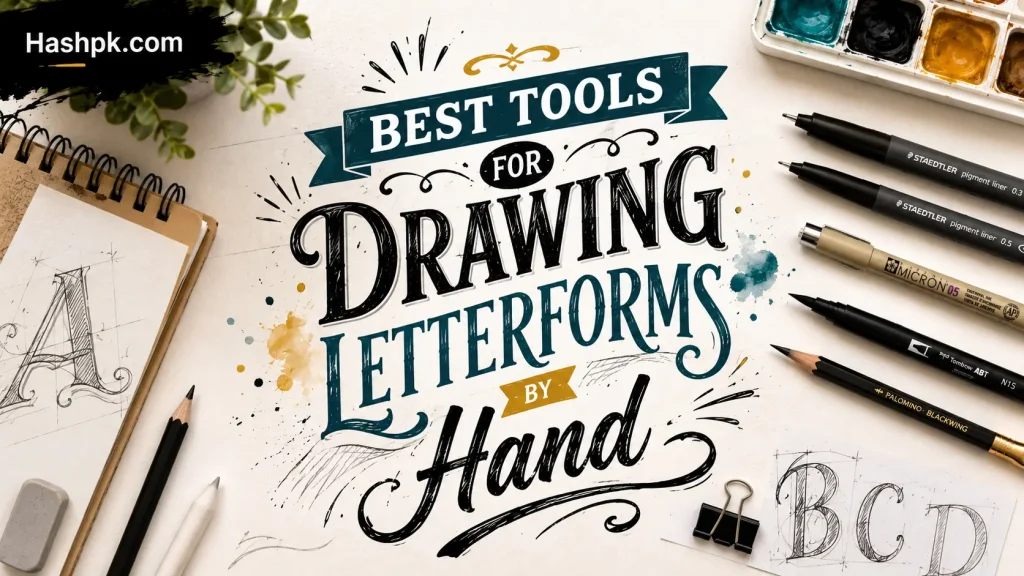
You don’t need to spend a cent to find out if lettering’s actually for you. A couple of free options genuinely hold their own in 2026, no asterisk needed.
Krita is still the strongest free pick for digital lettering. Pressure-sensitive brushes, stroke stabilization, full layer support — it’s open-source, gets updated regularly, and runs fine on Windows, Mac, or Linux.
Autodesk SketchBook also has a decent free tier, with a pen-first canvas and symmetry guides that make spacing easier to keep consistent.
Inkscape deserves a mention too, though it’s really more useful for cleaning lettering into vectors afterward than for the initial drawing stage. I’ll be honest, I don’t reach for it much during the actual lettering part — it just isn’t built for freehand drawing the way Krita is.
Pair Krita with a cheap $30–40 drawing tablet and you can produce lettering that looks genuinely professional, without touching your wallet for software.
Paid Tools Worth Actually Paying For
Once lettering turns into a habit instead of a passing curiosity, paid software starts earning its price.
Procreate on iPad is the go-to for a lot of working letterers right now — the brush feel is close to natural, exporting is painless. Clip Studio Paint isn’t far behind, especially for people who want tighter control over stabilization and brush taper.
Illustrator and Affinity Designer sit further down the pipeline. Less about the first stroke, more about turning finished lettering into clean vector art for logos or print work.
Want an actual usable font out of your handwriting eventually? Glyphs (Mac) or FontForge (free, cross-platform) handle the glyph and kerning work that regular drawing apps just weren’t built for.
Habits That Matter More Than the Pen You Bought
A good pen gets you halfway. The rest is just habit:
- Sketch guidelines every time, even for five-minute practice
- Keep pencil pressure light on the first pass
- Warm up with basic strokes before attempting full words
- Rotate the paper instead of twisting your wrist for curves
- Nail consistent letter height before chasing any particular style
- Trace reference alphabets on a lightbox or window while you’re still learning
- Slow down on serifs and terminals — that’s where letters usually fall apart
None of this costs anything. It just takes showing up.
Matching Tools to Where You’re Actually At
Not everything here belongs in a beginner’s kit right away, and buying it all at once tends to backfire.
Just starting: an HB pencil, plain paper, a kneaded eraser. That’s genuinely it for now.
A few weeks in: add a firm brush pen — Tombow Fudenosuke works well — and some grid paper.
Comfortable with the basics: bring in fineliners for outlines, a softer brush pen for expression.
Ready to go digital: Krita or SketchBook if money’s tight, Procreate or Clip Studio Paint if it isn’t.
Building an actual typeface: Glyphs or FontForge, once your lettering needs to become a reusable, kerned font file.
Skip ahead too fast and you usually just end up with gear sitting unused in a drawer. Ask anyone who bought a calligraphy set in week one.
Mistakes That Trip Up Most Beginners
Bad results usually aren’t the tool’s fault. It’s almost always a technique.
Pressing too hard with a brush pen is the big one — wrecks the tip faster, gives you inconsistent line weight that’s hard to fix mid-piece. I killed two Fudenosukes in my first month doing exactly this before I figured out lighter pressure gets you thinner, cleaner lines almost every time.
Skipping pencil guidelines feels like a shortcut in the moment. It costs way more time in corrections than it ever saves.
And buying an expensive calligraphy set before learning basic letter proportions? A $5 pencil teaches proportion just as well as a $40 kit does. Save the money for later.
Final Thoughts
There will never be a perfect starter kit for everyone, no matter the claims on product pages. What actually matters is choosing a setup — you can even use a pencil and paper — and sticking to it long enough to build the muscle memory. Most people spend far too long trying to figure out the “best” pen and not nearly enough time actually practicing and drawing letters, no matter how bad they may look. Unfortunately, this is what people need to hear, but it is true.
Draw just a pencil and some paper for fifteen minutes each day. This is far more valuable than the years of practice that can be done with a bunch of unused brush pens. As soon as the fundamentals are good and solid, then brush pens and the use of tablets and vectors are good, and more importantly, a logical next step. Every list that shows the best tools to hand draw letterforms, shows a good starting point, including this latest list. What really matters is what you do with the hours and practice that will ultimately teach you the real skill.
FAQs
What supplies do I need for hand lettering?
At minimum: a pencil (HB or 2B), plain or dot-grid paper, and a kneaded eraser. Once you’re comfortable, add a fineliner for outlines and a brush pen (like the Tombow Fudenosuke) for expressive strokes. Everything else — dip pens, watercolor brushes, tablets — is optional upgrade gear, not a starting requirement.
How to hand draw lettering?
Sketch light pencil guidelines first to keep letter height and spacing even. Rough out the word’s basic skeleton before adding any style. Warm up with simple strokes, then draw each letter slowly, rotating the paper rather than twisting your wrist for curves. Once the pencil layout looks right, trace over it with a fineliner or brush pen, then erase the pencil lines underneath.
Which tool is best for drawing?
For hand lettering specifically, a simple HB or 2B pencil is the best starting tool — it’s forgiving, cheap, and teaches proportion before anything else. For digital drawing more broadly, Krita (free) or Procreate (paid) are the most widely recommended in 2026 for their natural pressure-sensitive brush behavior.