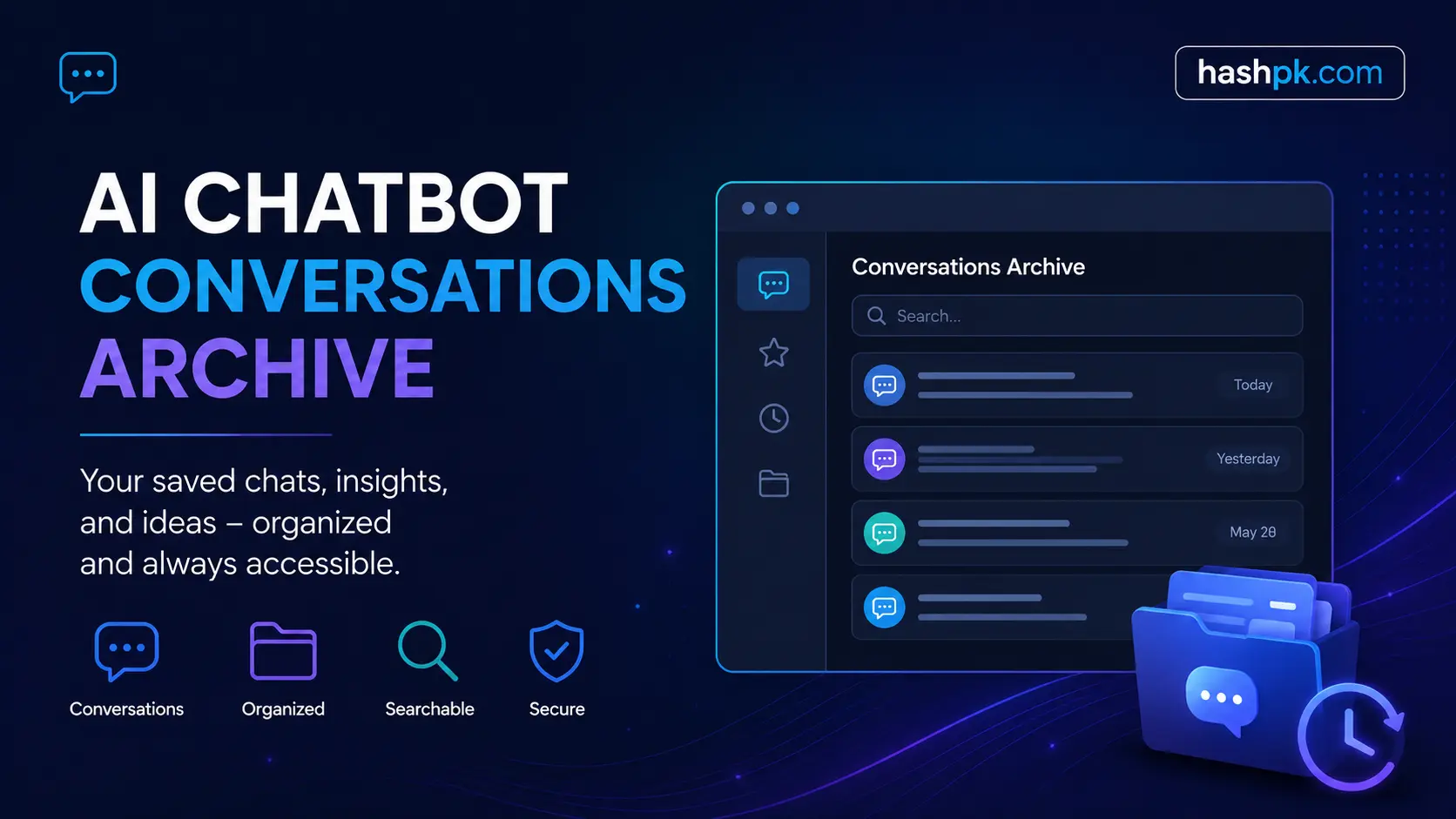
What is AI Chatbot Conversations Archive? So one thing I see a lot, you know,why I think this becomes dangerous to AI assistants is every single conversation that you have with an AI assistant is valuable, code snippets, creative drafts, research notes. But the overwhelming majority of us did nothing, letting those exchanges vanish into the ether. Having a searchable archive of all your AI chatbot conversations will give you a permanent record of everything that you have discussed, allowing previously scattered dialogues to form an organized knowledge base you can revisit, analyze and build upon.
Thus, with a rapidly growing factor for smarter conversation management. But as more and more professionals turn to tools like ChatGPT, Claude and Gemini for their day-to-day work, finding a fast way to find past chats is less of a nice-to-have than an essential component of productivity.
What is AI Chatbot Conversations Archive?
A record of conversations with an AI chatbot is a stored list of previous interactions you have had with systems powered by artificial intelligence. Locally on your device, in the cloud, or as an export file. The goal is simple, “Preserve context, avoid repetition and re-use the output from past”.
It is like your own vault of knowledge based on your questions and the answers given to you by the AI. Be it a developer who is debugging code, a writer planning story ideas, or a business analyst pulling data insights, archiving your chats are what keeps the workflow from becoming discontinuous.
Why Archiving AI Chats Matters More Then you think
The majority of AI platforms have no memory by default between sessions. You lose context multiple times because every other conversation starts anew. This issue is solved at the source by archiving.
In addition to memory, archived chats will enable you to review how an AI responded over time, identify patterns in its outputs and compare answers generated by different prompts or models. A shared archive builds institutional knowledge for teams that doesn’t disappear when someone closes a browser tab.
How Chat Storage Works in AI Platforms
In-Built History vs. True Archive
While most platforms have a “chat history” sidebar, you don’t really get an archive. History that is built-in is generally quite shallow and has no search, and it can be deleted if you use the option to delete your browser cache, or when they take away your access to an account.
A genuine chatbot conversations archive is something more than that. You support exporting, metadata such as timestamps and model version, and if all things go well you want something with a tagging or search system in place so you can find specific exchanges within seconds.
| Feature | Built-In Chat History | Dedicated Archive System |
| Search across all chats | Limited or none | Full-text search |
| Export to file | Sometimes | Always |
| Tags and folders | Rarely | Yes |
| Survives account loss | No | Yes (local/backup) |
| Metadata (model, date) | Basic | Detailed |
Top Ways to Save Your AI Chatbot Dialogues
Manual Export
Exporting JSON or text is supported on most major platforms. For instance, in the case of ChatGPT, you can download the whole conversation history from your account settings. This means that it leaves you with a file on the fly that you can search, back up, and store anywhere.
Browser Extensions
This means that tools like HistoryHound or home grown scripts would be auto-capturing conversations and tagging them at the time. These background extensions do work in the back, automatically saving exchanges to local folders or cloud storage by necessity.
Dedicated AI Chat Management Apps
There are new tools specifically designed for this. They enable connect your conversations through API to many AI platforms and automatically retrieve them from each one, so they can be organized by topic, date or project — now there is such thing as cross-platform archives.
Notion, Obsidian, and PKM Tools
Plenty of power users paste or pipe AI chats into personal knowledge management tools. For example, Obsidian plugins can auto-format and tag AI outputs as part of a bigger notes ecosystem.
Characteristics to consider When Choosing An Archive System
- Full text mining across thousands of conversations
- Organizing projects or topics using tags and folders
- Meta data about the model and date** so you know which AI said what, and when
- Multichain support,** for ChatGPT, Claude, Gemini etc.
- Export formats – JSON, Markdown, and plain text.
- Similar to Privacy controls deciding local vs. synced to cloud
Organization Distant Chats
Raw exports quickly become unmanageable. The trick is to create an organizational structure that is light from day one. Keep your chats tagged by type, with research, writing or coding sessions for customer support type and write a small title to each of the sessions.
Create project folders while you work on projects. As part of your app design, put all AI exchanges in one place. This transforms your archive into a project journal that reveals the details of how your thinking changed over time.
Review your archive weekly. Delete anything that is no longer useful, pull out the best outputs and flag conversations with strong prompts to reuse later. A neat, categorized archive is more valuable than a gunnel dumpster.
Privacy and Security Considerations
Archiving AI Conversations is a legitimate privacy challenge These conversations often involve sensitive information — proprietary business data, personal identities, confidential ideas. Before selecting an archiving method, ask: where is this data going and who has access to it?
For the appropriate sensitive content, a local storage is the most secure choice. There is convenience in now using archives based on the Cloud, but you must trust that the provider of such storage follows security best practices. Make sure you verify if the tool encrypts data at rest as well as transit.
Check your company data policies before linking up any AI tool to shared storage if you are archiving on behalf of a team or an organization as well. Most enterprise AI contracts have terms and conditions regarding data retention and sharing with third parties.
AI Chat Archive: A Deep Dive into Benefits and Use Cases
THE GREAT MULTITUDE OF RESEARCHERS AND WRITERS Archives control the evolution of our ideas, research areas sustain earlier sources suggested by AI, and archives help to avoid duplicating the same queries from project to project.
Developers have the advantages of archiving debugging sessions and explaining a piece of code. If this error message has come up twice – because you’ve searched two times, well then a searchable archive of past solutions is much faster than googling the same solution.
Business professionals_** archive the AI conversations to capture decision-making processes, save reports generated by the AI at regular intervals, and on-board new team members with context-rich history.
Students use it to archive chats simulating tutoring, so they can produce study guides, compare two explanations of the same concept and develop wildly individually curated reference books.
Why Your Business Needs Chatbot Conversation History
Each and every time your chatbot interacts with a customer is an opportunity for data. If you do not retain that conversation history, you miss out on being able to tell what they are really trying to say, where exactly the bot is falling short and how you can enhance it with time.
However, if businesses save the history of their bot conversations, they are able to identify trends in complaints, monitor resolution rates and find knowledge gaps/missing scenarios with your bot. This data directly informs product improvements, training updates and decisions by the support team.
Tools for Managing AI Chatbot Conversations Archive
- Native platform exports
- Chatbot analytics platforms
- Third-party archive managers
- CRM integrations
- Vector databases
Organizing Chatbot Logs for Maximum Value
Raw chatbot logs are noisy full of greetings, dead-end exchanges, and incomplete sessions. The first step to organizing them is filtering out low-value conversations and keeping only those with meaningful content.
Group logs by intent category: support requests, product questions, sales inquiries, feedback. This makes analysis faster and ensures the right teams can access the conversations most relevant to their work.
Set a regular review cycle. Monthly log reviews help you catch new patterns early — a spike in a particular question often signals a product issue, a confusing FAQ, or a gap in your chatbot’s knowledge base worth addressing immediately.
Using Archived Conversations for Better Performance
Archived chats are not simply records, it is performance improvement tools. Your previous chats allow you to know the prompts that received a great AI response from others, and those that continuously failed again and again.
This is useful for companies as it lays out where chatbots transfer human often and therefore suggests weaknesses in the extent of coverage automation offers. Filling in those gaps with more appropriate replies or an updated movement decreases guide prices directly.
And for individual users, having a library of high-performing conversations to loop back into fills you with a library of highly-effective prompts. You can reuse everything that worked and improve on it, rather than reinventing the wheel each session.
Data Privacy and Data Security for Conversation Archives
Chatbot storage is a storage of sensitive information – and, with that comes obligations set by the law. US regulation such as a CCPA states that companies must declare what data they collect, and allow users to delete it. GDPR establishes even higher standards on a worldwide level.
Define carefully what data every conversation contains before building or selecting an archive solution. Names, emails, payment details and health information all have different compliance requirements for how they must be handled summit()
Encryption is non-negotiable. Encryption-at-Rest & Encryption-in-Transit for all archived conversations. You should restrict blueprints to only those inside your company who need access to raw logs — very few folks, and not everyone needs to see every single customer conversation.
Best Practices for Archive Management
Keeping a clean, useful archive requires discipline from day one. A few rules that make a big difference:
- Set a retention policy: Decide upfront how long you keep conversations. 90 days, 1 year, or indefinitely each have different storage and compliance implications.
- Anonymize where possible: Strip personally identifiable information from logs that are used for training or analysis.
- Back up regularly: A single cloud location is not a backup. Use at least two storage locations for anything critical.
- Document your system: Write down how your archive is structured so anyone on your team can navigate it without asking you.
- Audit access quarterly: Review who has permission to view or export conversation logs and revoke access that’s no longer needed
Final Thoughts
This is one of the core high-leverage habits to create AI-driven chatbot conversations archive as an AI user till October 2023 Those dialogues that you are having now have ideas, solutions and frameworks begging to be revisited — as long as you capture them. A simple export routine is a good place to begin, and you build towards a tagged and searchable system so your AI sessions compound in value rather than fade away. It’s not about saving every chat, it’s about ascertaining that your earliest work is going to empower your later work.
Frequently Asked Questions
How to archive AI chatbot conversations effectively?* *
The right method depends on your requirements. Occasional users can successfully do manual exports in JSON or text format. For the vast majority of users or teams, an auto-syncing, tagging and full-text search integrated AI chat management tool is a much more powerful solution.
*Am I able to search for conversations via an Archive of AI chats *
Yes, but only if your archive system supports full-text. Weak builtin search in platform history Third-party tools and personal knowledge management applications like Obsidian provide you with more advanced search functionality of the entire conversation history.
*Are your archived AI chats safe and secure? *
Well, it all depends on where you store them. The local archives are more private. Cloud-based storage is comfortable for the user but requires some trust in the provider. Only use encryption for sensitive conversations, and read through the privacy policy of any archiving tool you want to use.
However, does that mean every conversation gets saved automatically in AI platforms?
All but the most rudimentary platforms save recent conversations in a history sidebar, but that is only ephemeral. You can delete chats, you can lose accounts, you rarely have complete depth of history. Exporting conversations periodically or utilizing a purpose-built archival tool means that nothing is lost permanently.